 FolderOrbit
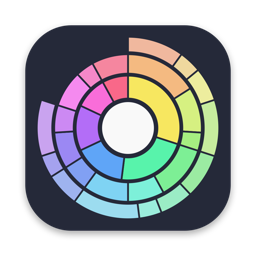

Drill down
Follow the space down to the folder.
Start from the whole drive and keep clicking the biggest block. The list on the left always shows sizes and shares for the folder you are in.
- Hover a ring to highlight it in the list, and vice versa
- Small items are grouped so the chart stays readable
- Reveal anything in Finder from the context menu

